Build a zone-by-zone screen strategy
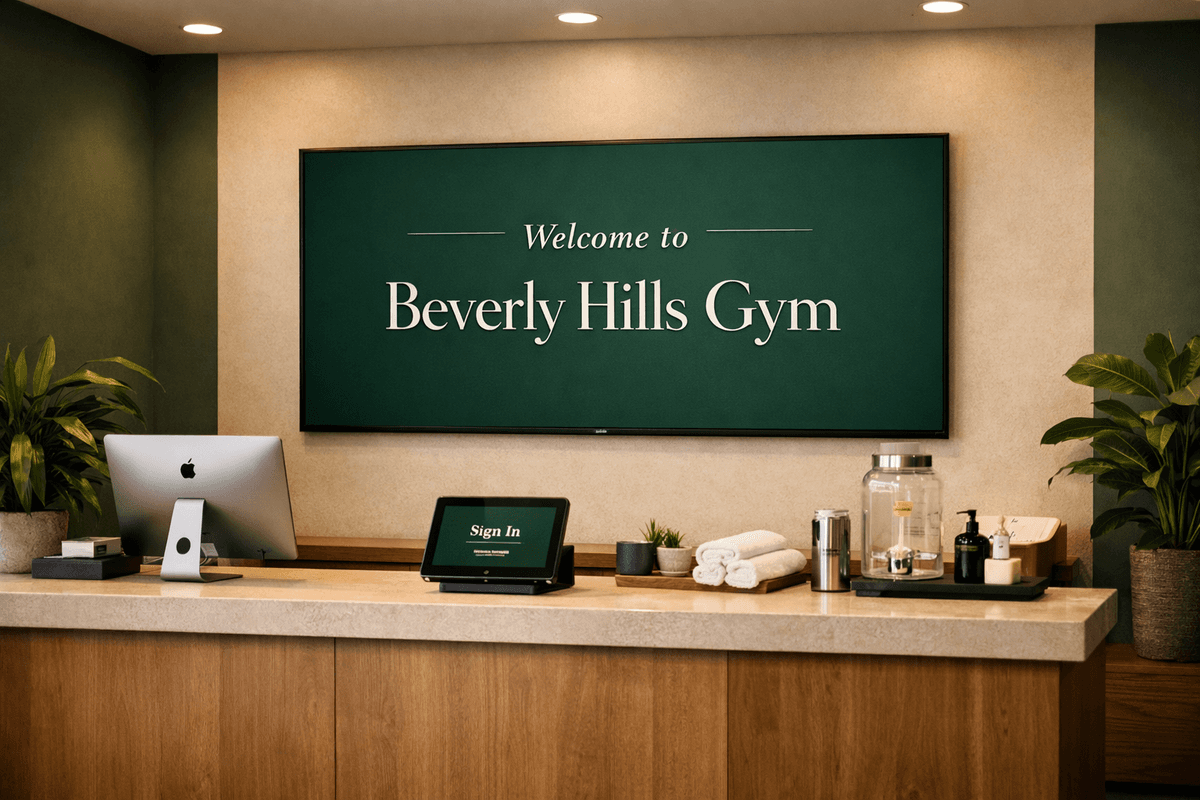
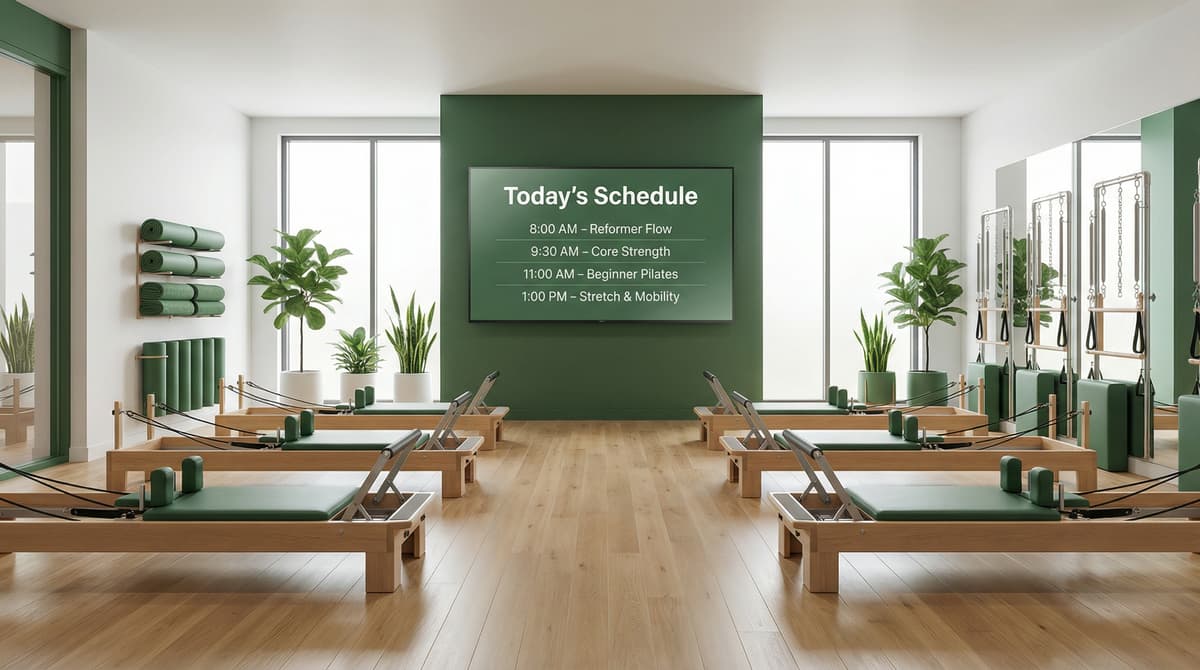
Gym signage performs best when each area has a clear communication role. Front desk screens should handle welcome messaging and membership promotions, while studio areas should focus on class timing, coach reminders, and session transitions.
This structure helps members find information faster and reduces repetitive questions to staff. It also gives operators a reliable framework for adding new campaigns without cluttering every screen.
Keep schedules synchronized automatically
Weekly classes, personal training offers, and events often change by location. Use templates for recurring schedule blocks, then localize playlists where needed instead of rebuilding layouts from scratch.
With this model, your team can update one source and keep all displays current. That consistency improves member trust and keeps schedule rollouts predictable across every club.
Schedules
Automate your content distribution
Calendar View
Week of Mar 2406:00 - 10:00
Morning Burn Playlist
16:00 - 20:00
Evening Strength Playlist
06:00 - 10:00
Morning Burn Playlist
18:30 - 20:00
HIIT Focus Block
16:00 - 20:00
Evening Strength Playlist
15:00 - 18:00
Trial Promo + Welcome
08:00 - 12:00
Weekend Trial Offers
A practical gym rollout workflow
The fastest gym deployments come from repeatable structure. When teams standardize playlists and schedules early, scaling to more clubs becomes much simpler.
Step 1
Define zones by member intent
Start by mapping each screen area to one purpose: front desk updates, studio timing, or training-floor offers.
Step 2
Build reusable playlists
Create playlist groups for recurring content types like class promos, coach highlights, and onboarding reminders.
Step 3
Automate with schedule rules
Use schedule rules to control what appears before classes, during peak windows, and during low-traffic hours.
Step 4
Roll out consistently across clubs
Apply shared schedule structures to every location, then adjust only where local operations require changes.
Weekly operator checklist
Use this checklist to keep screens current, relevant, and aligned with class operations across all locations.
Separate class-timing content from promotional content into different playlists.
Keep morning, midday, and evening blocks on dedicated schedule rules.
Use clear naming so front-desk and ops teams can update content quickly.
Prioritize fast-read screen layouts near check-in and high-traffic walkways.
Review weekly for outdated pricing, expired promotions, and stale messaging.
Reuse proven templates across all locations before creating local variants.
Gym signage FAQ
How many playlists should a gym start with?
Most teams start with 3 to 5 core playlists for class updates, member notices, promotions, and brand content, then expand as needed.
Should each club have separate schedules?
Use shared schedule templates first, then create local differences only for unique class timing or region-specific promotions.
How often should gym signage be reviewed?
A weekly review cycle is usually enough, with same-day updates for special events, instructor changes, or seasonal offers.